Design and build it your way.
Design timber structures directly in your browser. Freely adjust your project with an app that helps you keep the element layout correct.
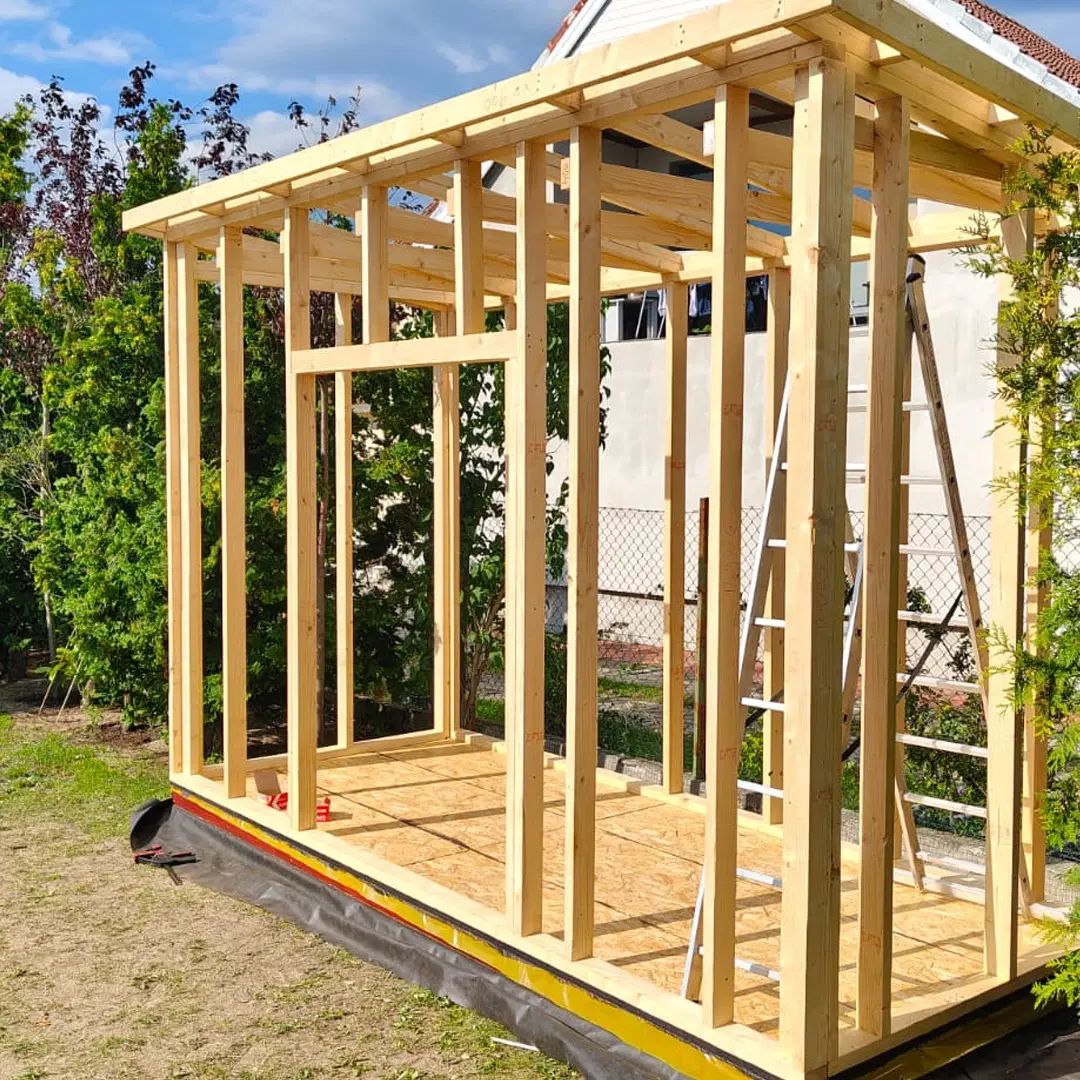
Our offer
A browser-based app for designing timber structures. Build your model step by step, then use the generated documentation to prepare the construction.
Design in the browser
Create timber structures directly in your browser without CAD software.
Customize the structure
Adjust dimensions, rooms, posts and roof parameters to match your project.
Use the project documentation
After designing, use documentation with drawings, dimensions and material summaries.
What can you design
in our app?
Outdoor sauna
Single-pitch gazebo
Gable-roof gazebo
Summer house
Carport
Covered terrace
See structures built by our customers
Click the image to see the gallery


What you get
Documentation for self-build projects.
Main offer
From model to drawings
Currency
- Technical drawings for the selected model and dimensions
- Material list with timber elements and quantities
- Views that help you understand how the structure is assembled
- PDF download after unlocking documentation
- Cut optimization tools that help reduce waste
Configure
Choose a model and adjust dimensions, roof type and selected structure settings.
Review
Check the model, material summary and documentation preview before committing.
Build
Unlock documentation and use it as a practical guide for your self-build project.
Examples
See what project documentation looks like.
Open an example project and check the documentation area to see the kind of drawings and material summaries available in the app.
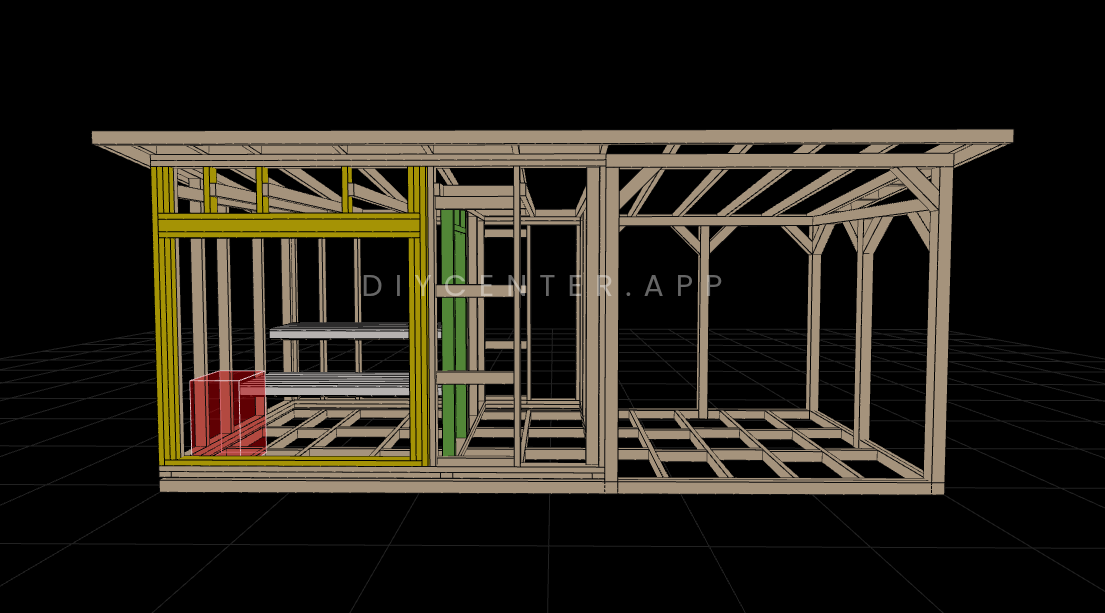
Outdoor sauna
Outdoor sauna with a sauna room, changing room and partially enclosed terrace.
View project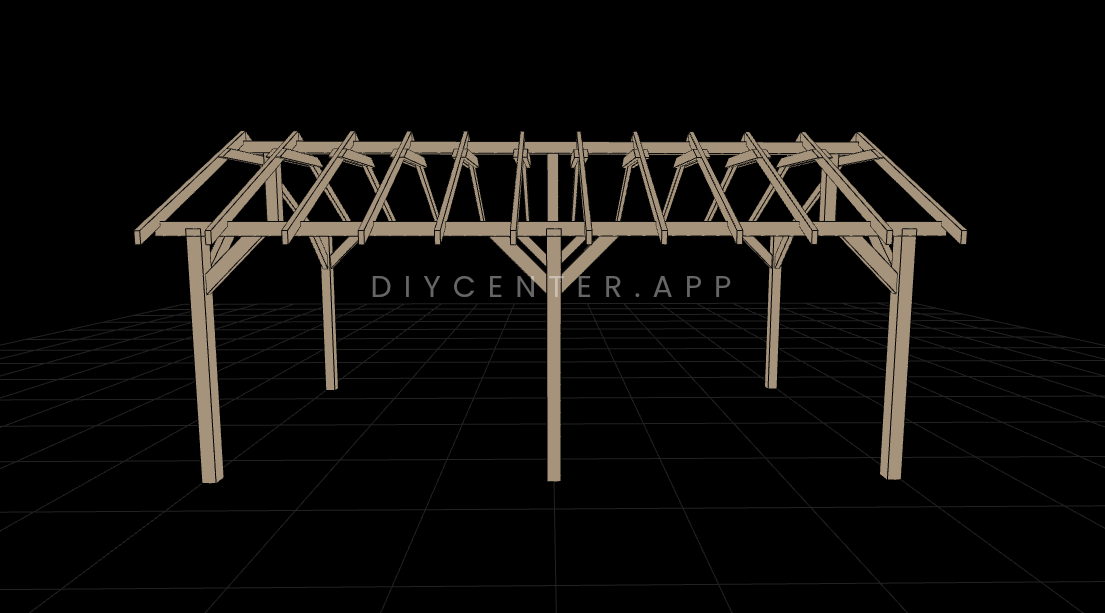
Gable-roof gazebo
Gable-roof gazebo with six posts, 30 degree roof pitch and roof overhang.
View project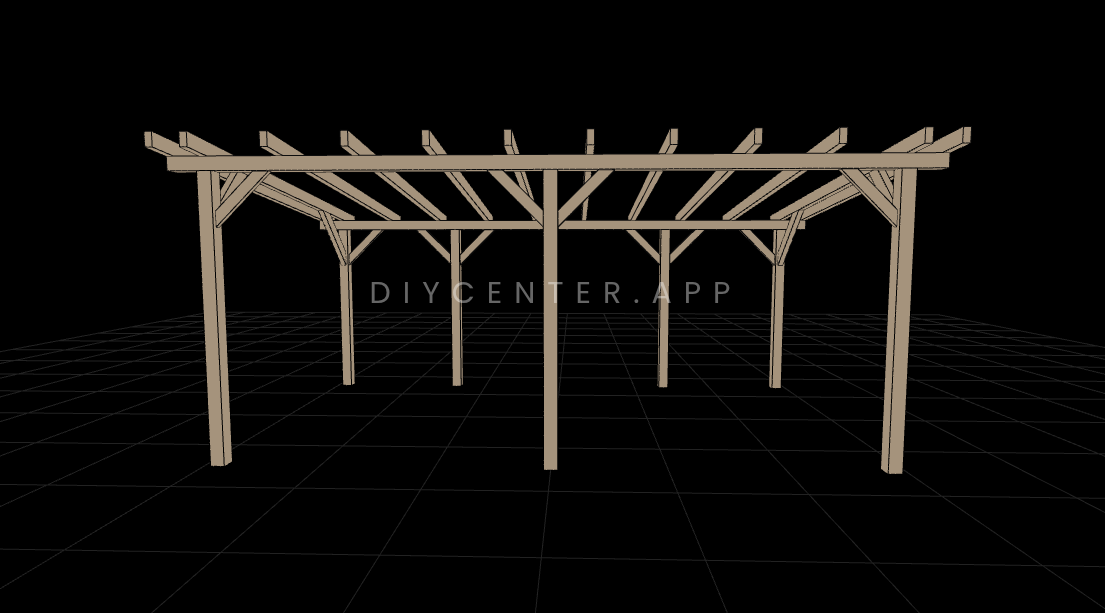
Covered terrace
Covered terrace with freely positioned posts and a simple timber frame.
View projectFAQ
Common questions.
How does it work?
Freely adjust your project in the app. When you are sure the design is ready, unlock the documentation and start building.
Can I change the project after unlocking documentation?
No. After unlocking the documentation, the project can no longer be edited. Make sure the design is correct before you unlock it.
Can I use it for a self-build project?
Yes. The documentation is prepared for people who want to build the structure themselves or work with a local contractor.
What does the documentation contain?
Documentation includes technical drawings, dimensions, material summaries and views that help with self-build planning.
Can I download a PDF?
Yes. After unlocking the documentation, you can download it as a PDF from the app.


